Satu fondasi backend. Satu arsitektur native. Banyak platform.
Mulai Bangun Aplikasi
NxDOM Framework bisa langsung dipakai gratis. Cukup buka dokumentasi, ikuti panduan, dan aplikasi Anda siap berjalan di web, desktop, atau mobile.
bolt Ingin Lebih Cepat? Coba NxCode PRO
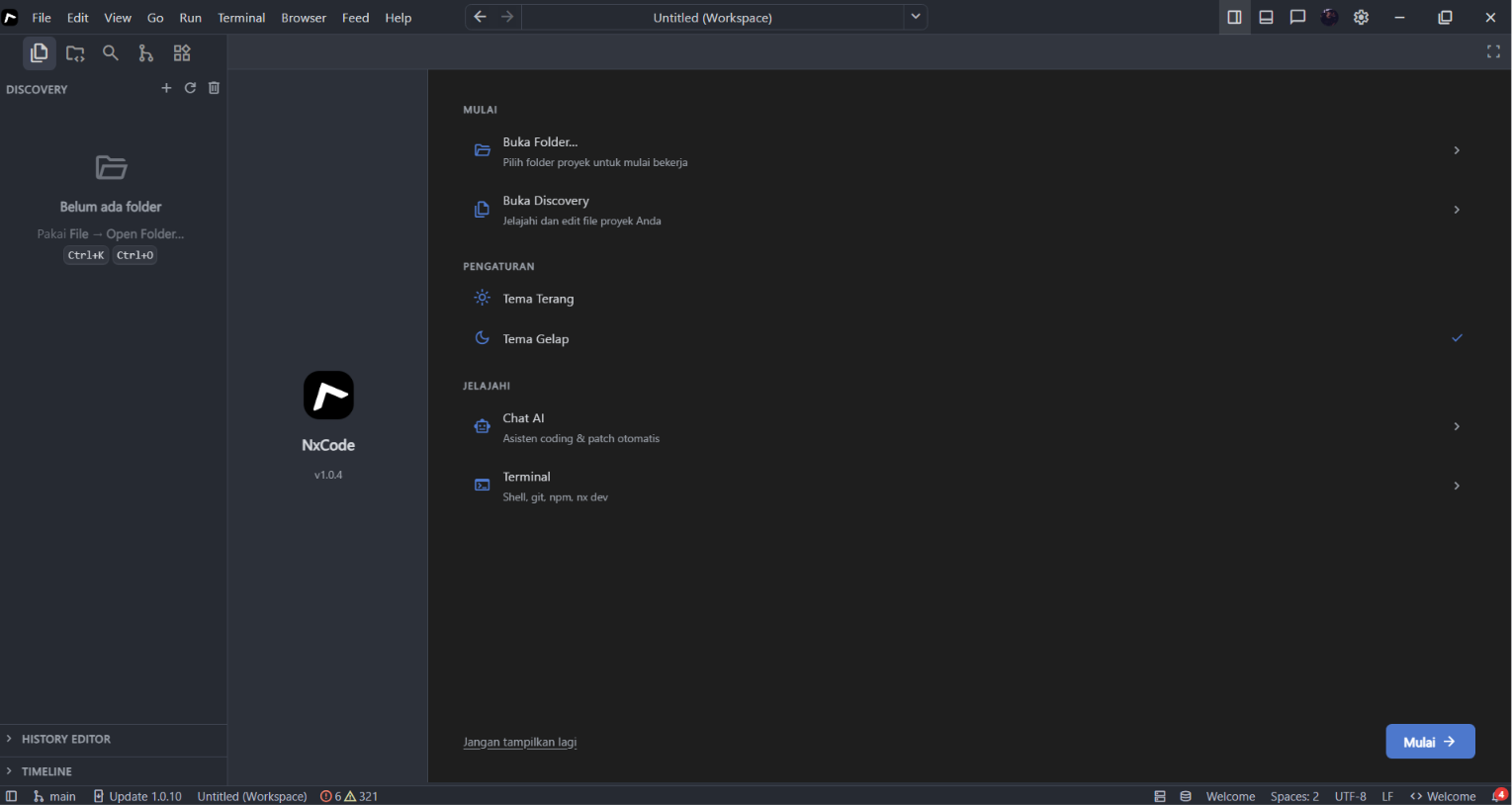
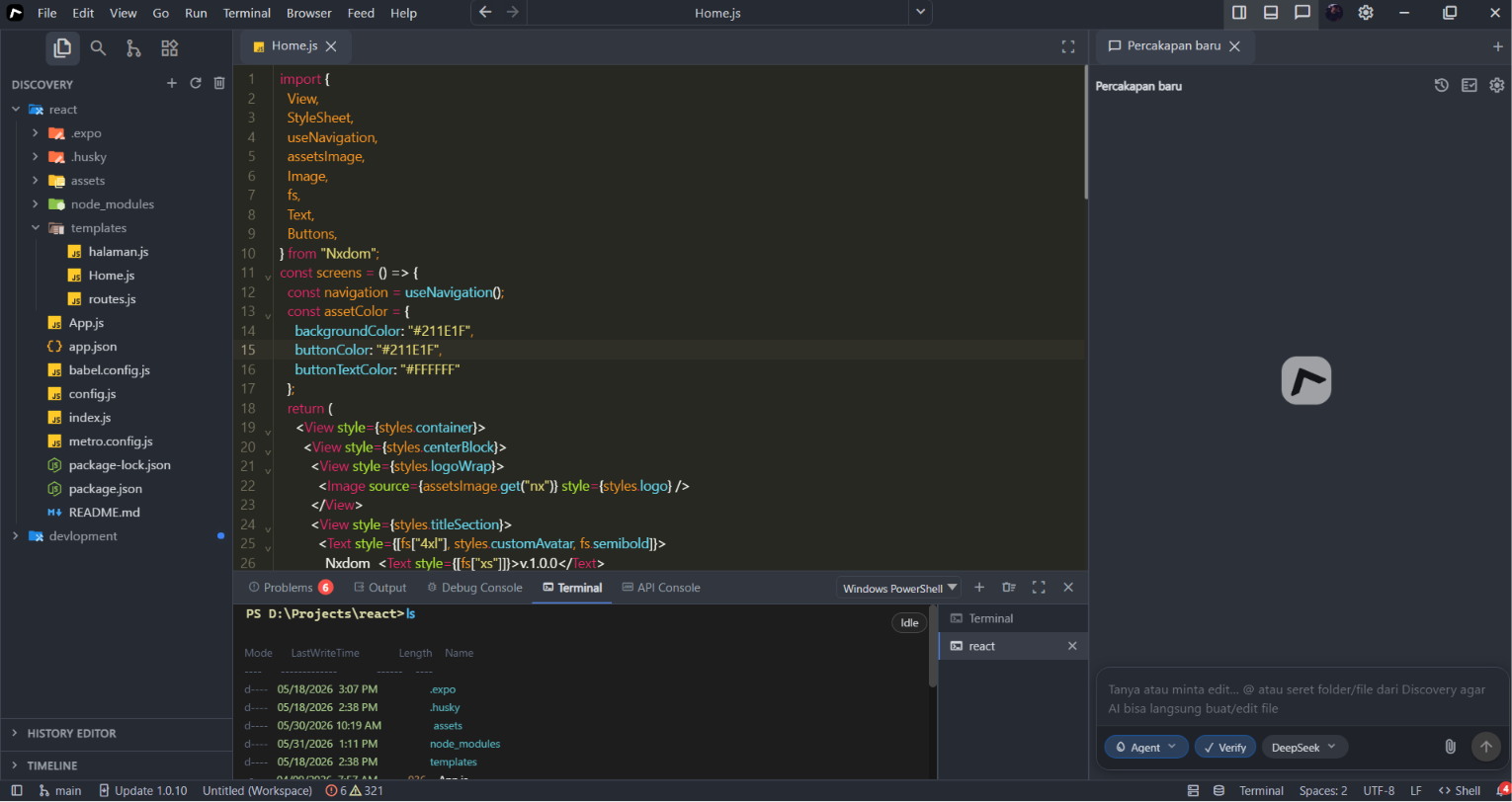
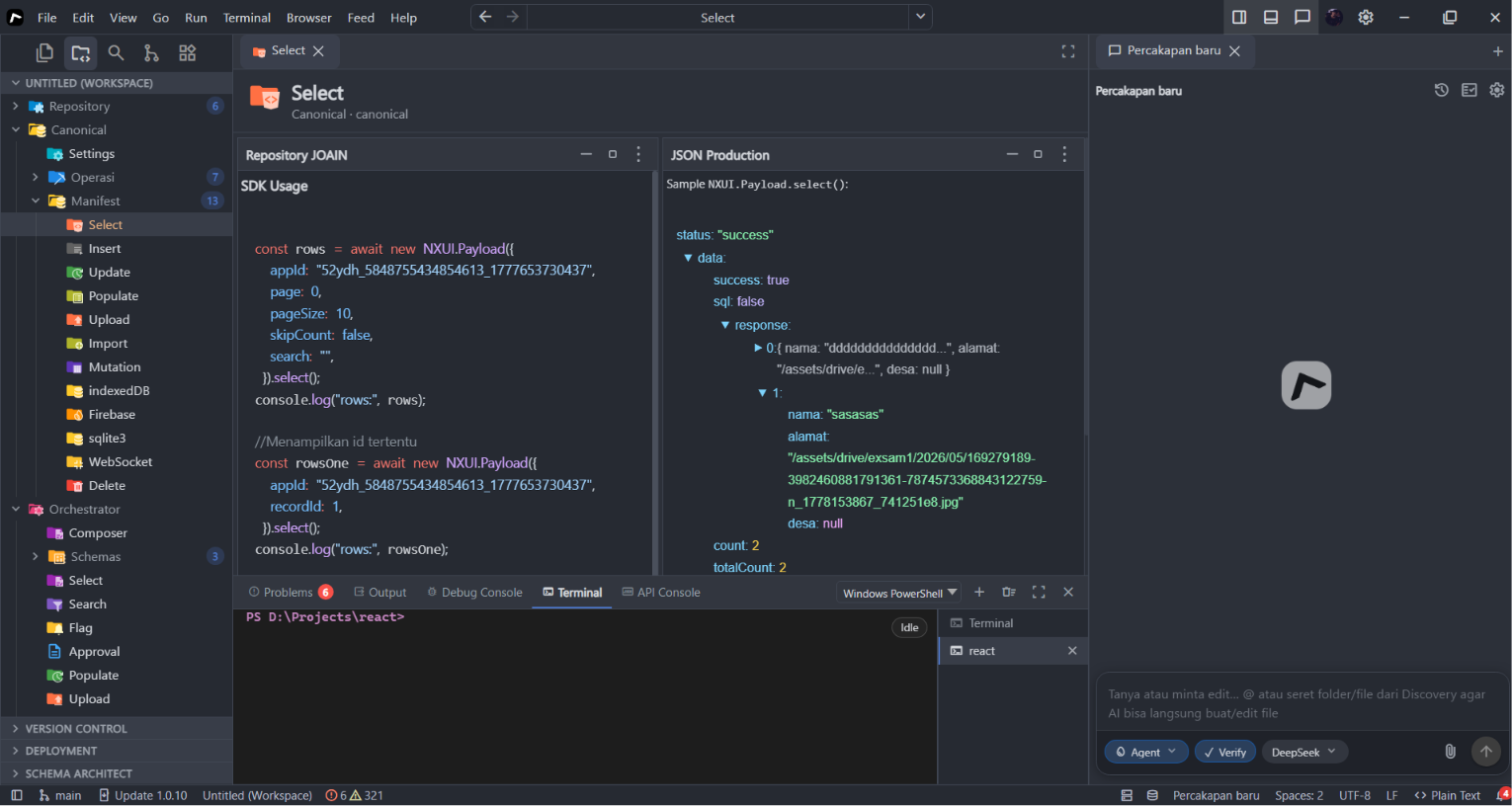
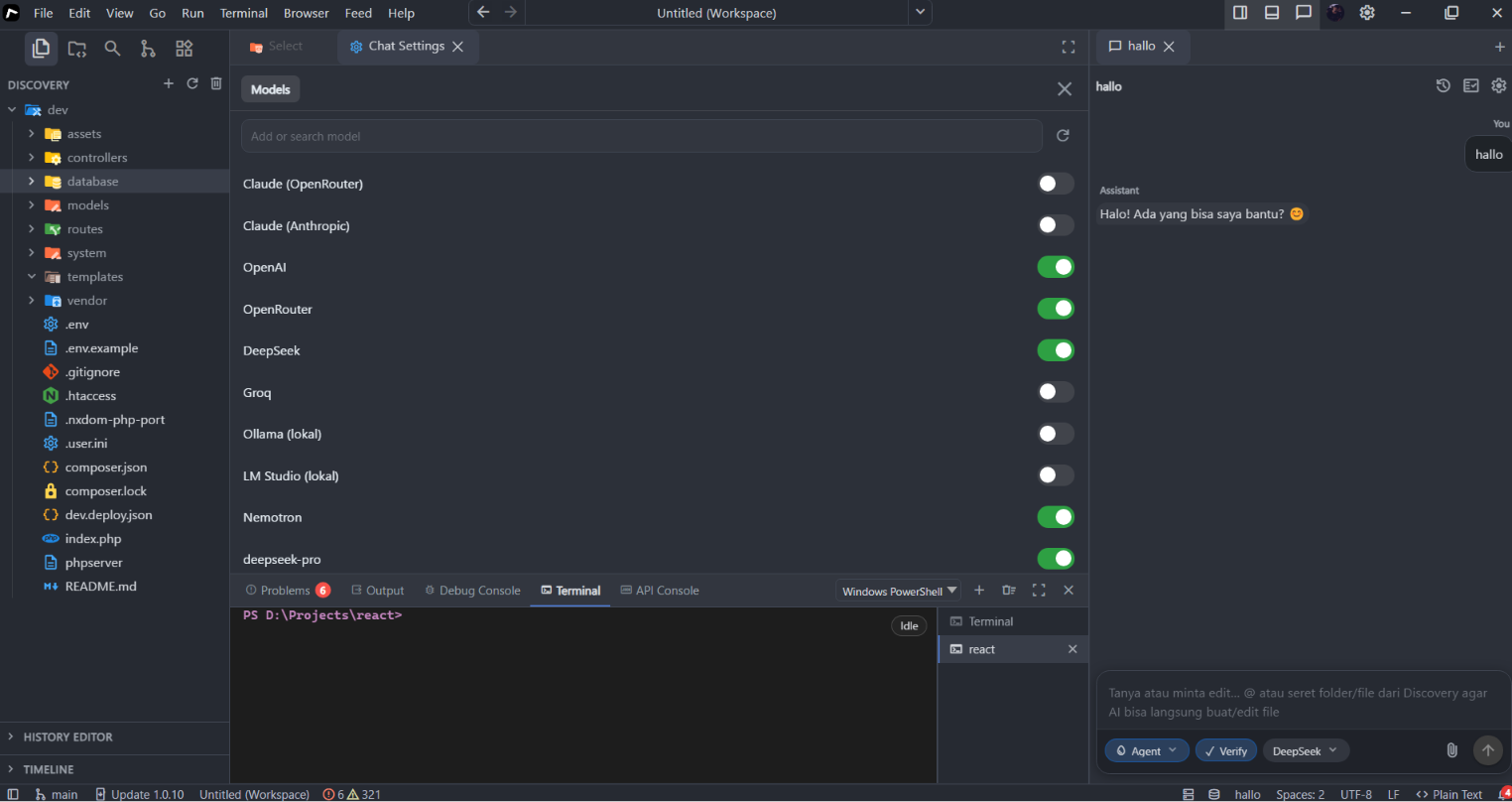
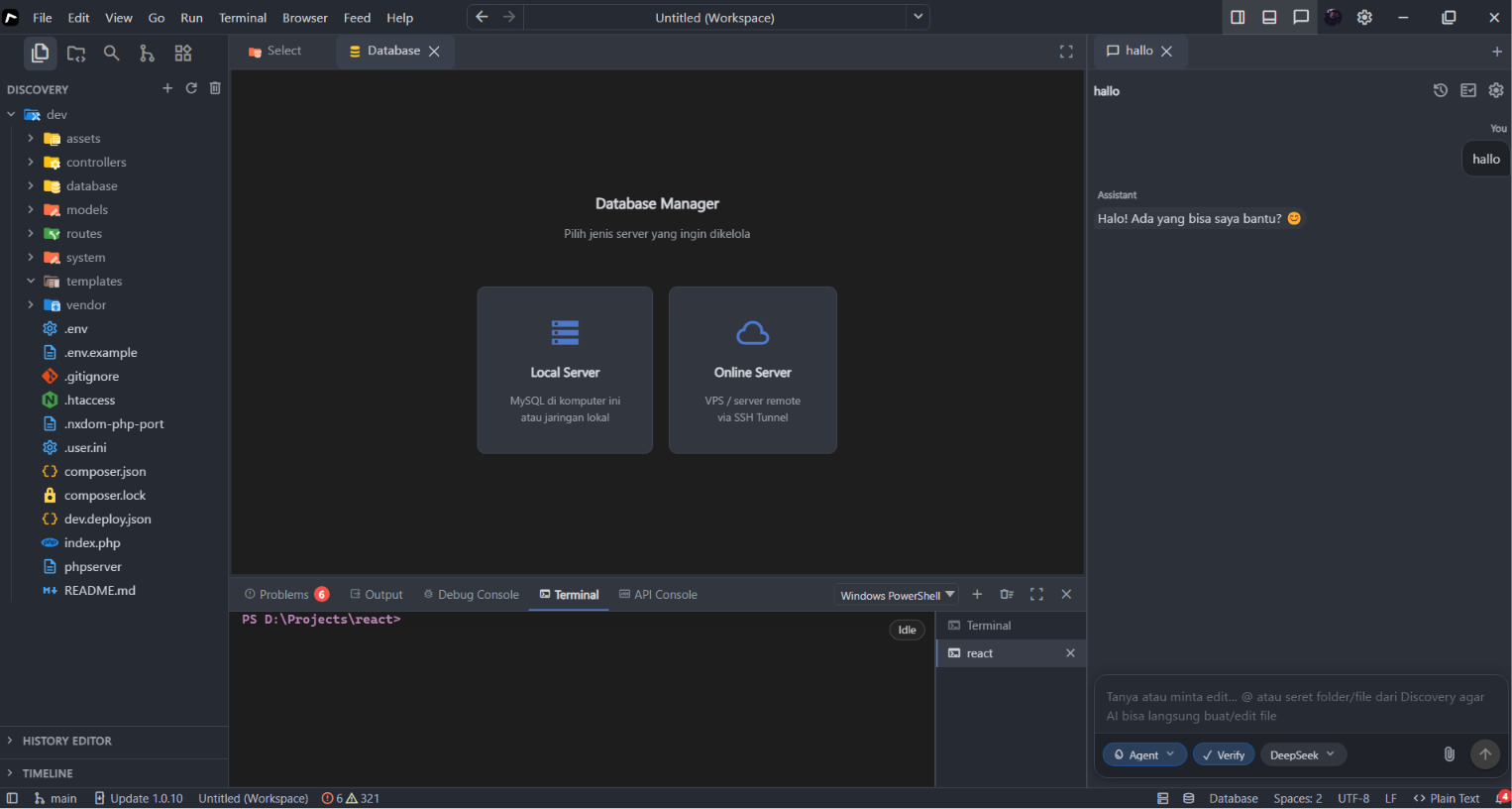
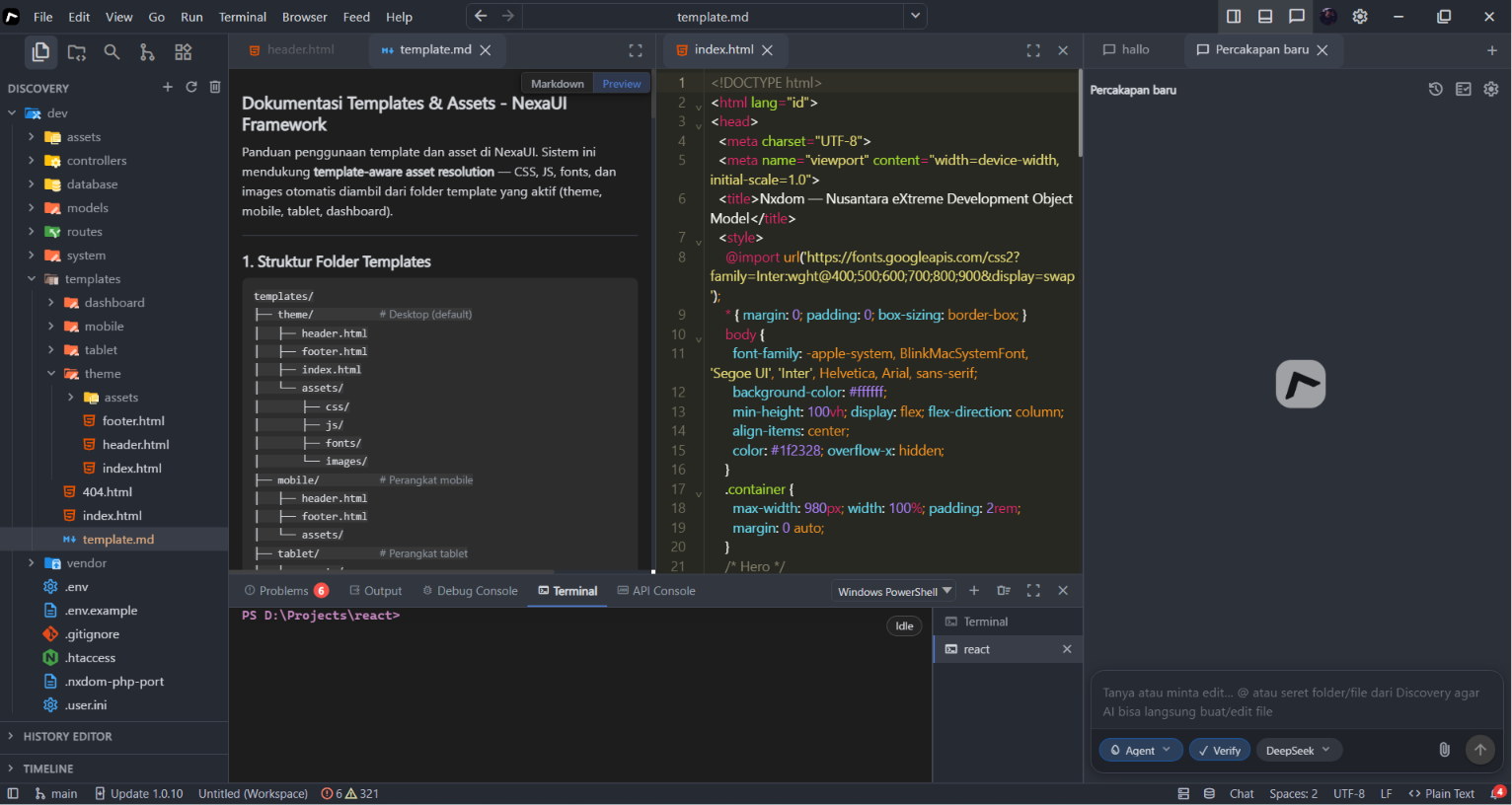
NxCode adalah aplikasi desktop IDE untuk Windows — editor kode, terminal, AI coding assistant, dan database manager dalam satu tempat, dibangun di atas fondasi NxDOM.
Editor multi-tab, syntax highlight 40+ bahasa, PowerShell terintegrasi
OpenAI, Claude, DeepSeek, Groq, Ollama — edit & patch kode langsung dari chat
MySQL lokal & remote via SSH Tunnel, query builder visual, API Console
Tentang Nama
Nama Nxdom berasal dari singkatan Nusantara eXtreme Development Object Model. Dalam percakapan sehari-hari, framework ini sering disebut Nexa DOM agar lebih mudah diucapkan di lingkungan developer. Di dokumentasi teknis dan kode, ejaan NexaDom merujuk produk yang sama.
Ringkasan
Nxdom (NXDOM) menyatukan backend PHP terpusat (routes/web.php, routes/api.php), template NexaDom (mesin view Nexa DOM), dan NXDOM Native Modules (JavaScript ES6+) untuk menjangkau web, desktop (Electron), dan mobile (React Native) tanpa menggandakan pola arsitektur.
Komponen utama
Backend API
Layanan data, autentikasi, dan logika bisnis yang diakses client (web, desktop, mobile) lewat endpoint terstruktur di bawah prefix /api/ — gerbang ApiController, delegasi ke controllers/Api/, respons JSON.
Dokumentasi API (JSON) · Routing & MVC
Backend Web Applications
Aplikasi web server-side—portal, admin, halaman publik—dibangun di fondasi backend yang sama dengan API: rute routes/web.php, controller controllers/Frontend/, view NexaDom di templates/.
Dokumentasi Web Applications · Memulai
| Lapisan | Peran |
|---|---|
| Backend API | Integrasi, mobile & desktop client, otomasi |
| Backend Web Applications | Pengalaman berbasis browser pada fondasi tunggal |
API dan web app berbagi fondasi: bedakan peran (API untuk client vs web app untuk browser), bukan dua dunia yang tidak terhubung.
NXDOM Native Modules
NXDOM Native Modules adalah core JavaScript (ES6+) yang dipakai ulang di banyak runtime: entry HTML, inisiasi NX.Tatiye di App.js, route, grid, form, storage, dan komponen UI lain.
“Native” di sini berarti modul inti yang portabel—bukan menulis ulang seluruh aplikasi per platform. Panduan lengkap: NXDOM (modul inti) · Ringkasan alur.
Tiga jalan ke pengguna
Dari satu fondasi backend, produk menjangkau pengguna lewat tiga jalur — selaras dengan dokumentasi Platform:
| Jalur | Perangkat | Contoh teknologi |
|---|---|---|
| Web | Browser | SPA · PHP/Apache atau Nexa Node |
| Desktop | PC / laptop | Electron |
| Mobile | Smartphone / tablet | React Native |
Jalur web: banyak proyek memakai PHP + .htaccess untuk SPA tanpa wajib menjalankan Node; alternatifnya Nexa Node (Express) untuk same-origin proxy ke API PHP. Lihat Memulai backend dan Nexa Node.
Perubahan kebijakan bisnis di backend dapat tercermin konsisten di semua saluran. Client mengutamakan UI dan pengalaman; backend mengutamakan data dan kebijakan.
Satu arsitektur, empat runtime
| Runtime | Peran |
|---|---|
| Web | UI browser, akses langsung atau via API |
| Node.js | Server, scripting, tooling, build |
| Electron | Desktop (Windows, macOS, Linux) |
| React Native | iOS & Android |
Empat runtime, satu arsitektur NXDOM—satu cara berpikir struktur aplikasi, banyak target build. Instal template: Panduan CLI (instal web, install electron, install react).
Diagram arsitektur
Alur bootstrap dari index.php hingga routing dijelaskan di Arsitektur & alur kerja.
---
config:
flowchart:
curve: basis
padding: 18
nodeSpacing: 42
rankSpacing: 48
htmlLabels: true
theme: base
themeVariables:
fontFamily: system-ui, -apple-system, "Segoe UI", sans-serif
fontSize: 14px
lineColor: "#656d76"
---
flowchart TB
A(["🏗️ Fondasi Backend
NXDOM"])
subgraph backend["⚙️ Layanan — fondasi yang sama"]
direction LR
B["🔌 Backend API
JSON · /api/"]
C["🌐 Backend Web Apps
PHP · templates/"]
end
A --> B
A --> C
D(["📡 Tiga jalan ke pengguna"])
B --> D
C --> D
E["🌍 Web · 🖥️ Desktop · 📱 Mobile"]
D --> E
F["📦 NXDOM Native Modules
ES6+ · modul portabel"]
E --> F
subgraph runtime["⚡ Empat runtime — satu arsitektur"]
direction LR
G1["🌐 Web"]
G2["⚡ Node.js"]
G3["🖥️ Electron"]
G4["📱 React Native"]
end
F --> G1
F --> G2
F --> G3
F --> G4
classDef root fill:#0969da,stroke:#0550ae,color:#fff,stroke-width:2px
classDef api fill:#1a7f37,stroke:#116329,color:#fff
classDef web fill:#8250df,stroke:#6639ba,color:#fff
classDef hub fill:#9a6700,stroke:#7d4e00,color:#fff
classDef channels fill:#ddf4ff,stroke:#0969da,color:#0550ae,stroke-width:2px
classDef modules fill:#fff8c5,stroke:#bf8700,color:#24292f,stroke-width:2px
classDef runtime fill:#f6f8fa,stroke:#656d76,color:#24292f,stroke-width:2px
class A root
class B api
class C web
class D hub
class E channels
class F modules
class G1,G2,G3,G4 runtime
linkStyle 0,1,2,3,4,5,6,7,8,9 stroke:#0969da,stroke-width:2px
Untuk siapa?
| Peran | Manfaat |
|---|---|
| Backend developer | Satu fondasi untuk API dan web app |
| Frontend / mobile | Konsumsi API + modul native yang familiar |
| Full-stack / lead | Arsitektur terpadu, onboarding lebih cepat |
| Organisasi | Mengurangi duplikasi logika bisnis antar platform |
NXDOM vs pendekatan terpisah
| Tanpa pola terpadu | Dengan NXDOM |
|---|---|
| Backend terpisah per channel | Satu fondasi backend |
| Kode JS berbeda per platform | NXDOM Native Modules + ES6+ bersama |
| Banyak “cara” arsitektur | Satu arsitektur, banyak runtime |
Mulai dari sini
- Pahami fondasi backend: Memulai, Routing, API, Web Applications.
- Siapkan proyek lewat CLI Nxdom atau Terminal Nexa (instal template).
- Pilih satu jalur platform: web (PHP), desktop, atau mobile.
- Pelajari NXDOM Native Modules dan runtime yang relevan; telusuri peta dokumentasi.
Peta dokumentasi
Indeks utama mengikuti struktur di templates/theme/docs/ — buka judul untuk masuk ke bab.
| URL | Judul | Status |
|---|---|---|
/docs/ | Pengenalan (beranda) | live |
| Backend | ||
/docs/backend/getting-started | Memulai | live |
/docs/backend/cli | CLI Nxdom | live |
/docs/backend/routing | Routing & MVC | live |
/docs/backend/api | API (JSON) | live |
/docs/backend/web | Web Applications | live |
/docs/backend/helper | Helper / NexaDom | live |
/docs/backend/dashboard | Dashboard | live |
/docs/backend/events | Events & injection | live |
/docs/backend/models | Models | live |
/docs/backend/storages | Storages | live |
/docs/development/cli | Terminal Nexa (instal template) | live |
| Platform & runtime | ||
/docs/platform | Indeks Platform | live |
/docs/platform/node | Nexa Node (Express) | live |
/docs/platform/electron | Nexa Electron | live |
/docs/platform/react | React Native | live |
| NXDOM Native Modules | ||
/docs/modules | Panduan NXDOM (modul inti) | live |
| Topik beranda | ||
/#distribusi | Distribusi multi-platform | live |
/docs/arsitektur | Arsitektur & alur kerja | live |
/#deployment | Keamanan & deployment | ringkas |
/#referensi | Referensi | ringkas |